What your first candy business website actually needs
A focused page plan that helps customers understand your products and take a clear next step.
Choose one main customer action
A first website should make a clear promise and support one main next step. That could be browsing products, finding your next market, asking about wholesale, or placing an order through an established checkout. Choose the action that matches how your business actually operates today.
A local market business does not need to pretend it ships nationwide. A wholesale inquiry page does not need a nonfunctional shopping cart. Accurate expectations save both you and the customer time.
Build a small, complete page set
Start with a home page explaining what you make and who it is for, a product or range page, an about page with real information, and a working contact route. Add clear ordering or event information and policies that describe your actual practices.
For each product, provide an accurate name, quantity, useful description, current images, and the information a customer needs before buying. If a product is unavailable, say so. Avoid using a page full of empty categories as a substitute for a small finished range.
Connect the design to your packaging
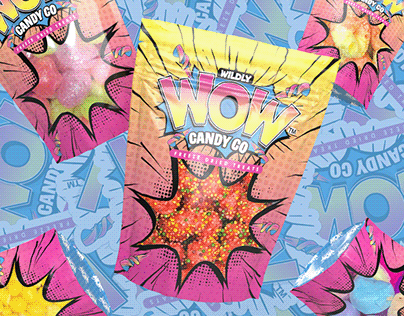
Reuse the logo, color palette, and product naming system from your packaging. Keep the page text readable and the navigation short. A bright brand still needs contrast, spacing, and buttons that explain what happens next.
Use your actual product photos wherever possible. Label mockups as mockups and keep old artwork out of current product listings. If your printed packaging includes a QR code, make its destination a stable page that is useful on a phone.
Test the whole path on a phone
Ask someone unfamiliar with the business to find a product, understand the price or inquiry process, and contact you. Watch where they hesitate. Test every link, form, and checkout step yourself without relying on an account that has special access.
Check that contact messages reach an inbox you monitor. A form that displays a success message without delivering anything creates a problem that attractive design cannot solve. If you use an email link instead, make the address visible so visitors can copy it.
Make the first month measurable
Keep a short list of common inquiries and pages customers mention. Record broken links and questions the site did not answer. If you later add analytics, implement it deliberately and update your disclosures to match the tools you use.
Your first-site worksheet: primary action; product information; real photos; contact route; ordering explanation; policies; mobile test; person responsible for updates. Spend time making those pieces dependable before adding more features. The best next addition is the one that solves an observed customer problem.
Examples are illustrative unless stated otherwise. These guides use AI-assisted drafting and do not represent product tests or guaranteed business results. Read our editorial approach.