A simple product photo shot list for a new candy business
Plan a reusable set of real product images for your website, market promotions, and wholesale sheet.
Give every photograph a job
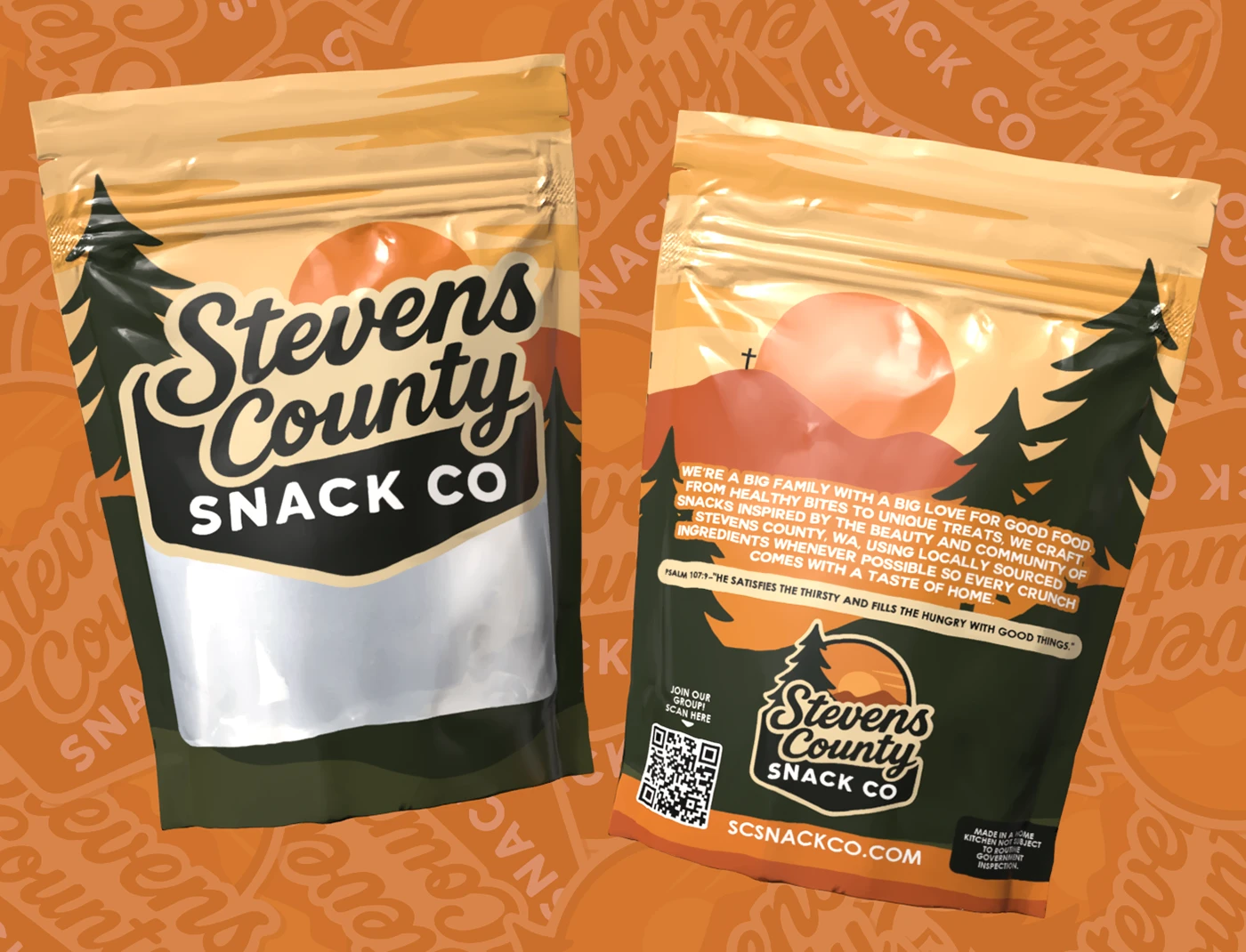
A useful photo set answers customer questions. Start with a clean front view of the actual package, a view showing the product itself, a back view with relevant package information, and one image that gives an honest sense of scale. Add a group image only after the individual products are clear.
For a first collection, consistency matters more than an elaborate scene. Use the same surface, lighting direction, camera distance, and orientation across products. This makes a product grid easier to scan and reduces the amount of editing needed to make the images work together.
Show what the buyer will receive
Use the packaging and product you actually intend to sell. If an image is a design mockup or a prototype, identify it as such. Do not make a small bag look larger by hiding every scale reference, and avoid editing that changes the apparent amount or nature of the contents.
A photo can be attractive and specific at the same time. Record the bag size, product version, and shoot date in your image notes so that you can remove outdated photographs when the packaging changes.
Build a repeatable small setup
Choose a tidy background and stable support for the phone or camera. Check for glare on glossy packaging and move the light or product until the important text is readable. Keep the lens clean and take several frames before changing the setup.
Review the photographs on a larger screen before packing everything away. Look for soft focus, tilted packages, crushed corners, reflections, and dust. Fixing the physical setup is often faster than trying to repair every image later.
Capture for more than one placement
Take a portrait composition for product pages and a wider composition with breathing room for banners or article headers. Keep important parts of the product away from the edges so that a mobile crop does not remove the name. Avoid placing text inside the image when ordinary page text can do the job.
Export appropriately sized versions for the places you will use them, while keeping the original files. A website thumbnail usually does not need the full camera file. Check that compression has not made small packaging details unreadable.
Keep a small image library
Use a folder per product with an approved main image, supporting shots, and source originals. Add a note recording the photographer or source and any usage permission. Do not assume that a customer's social post is yours to republish simply because it shows your product.
Copy this shot list for each SKU: front; back; contents; honest scale; group; horizontal crop; vertical crop. Then open a draft product page on your phone and ask whether the images answer the most obvious buying questions. Fill the gaps before planning a more elaborate campaign.
Examples are illustrative unless stated otherwise. These guides use AI-assisted drafting and do not represent product tests or guaranteed business results. Read our editorial approach.